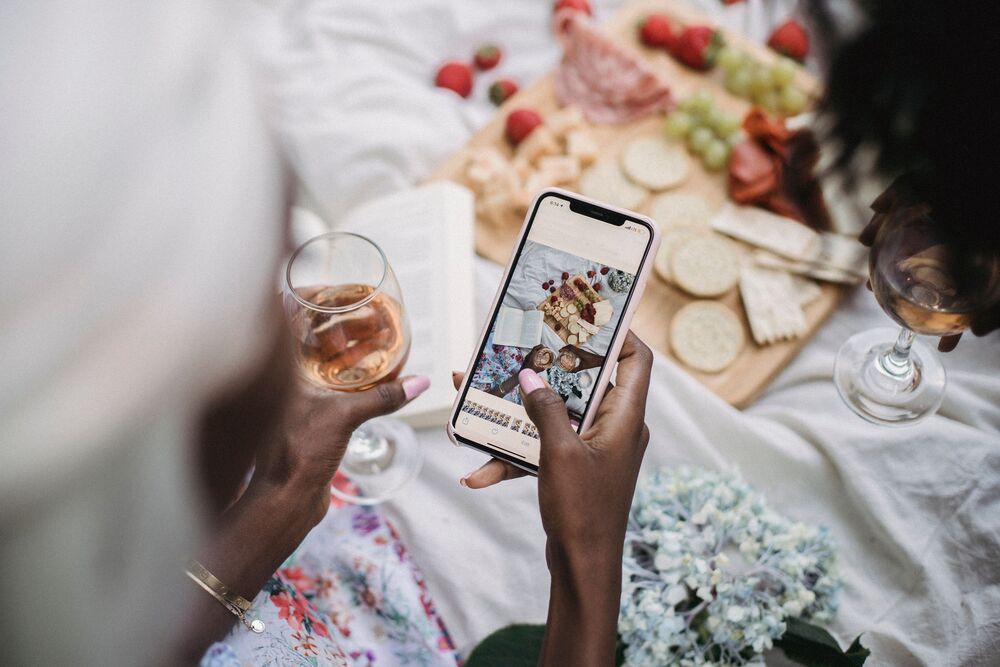
Social media accounts have become an important part of everyday life, allowing people to communicate with friends and family, share personal moments, promote businesses and access news.
Also see: Mel Viljoen clears social media accounts as questions swirl around new nail venture
However, as more people rely on these platforms, accounts can also become targets for cybercriminals seeking personal information, financial details or access to other online services.
A hacked account does not always mean the owner is immediately locked out. In some cases, suspicious activity may go unnoticed until a friend reports receiving an unusual message or the account begins sharing content the owner never posted.
Knowing the warning signs can help users act quickly, secure their accounts and reduce the risk of further damage.
1. You notice posts or messages you did not send
One of the clearest signs that your account may have been compromised is activity you do not recognise. This could include unfamiliar posts, comments, stories, direct messages or links shared from your profile.
Hackers may use a compromised account to spread scams, promote fraudulent offers or send malicious links to followers. If friends tell you that they have received strange messages from you, check your account activity immediately.
According to the Federal Trade Commission, unexpected activity on an online account can be a sign that someone else has gained access. It is important to investigate rather than assume the activity is simply a technical error.
2. You receive unexpected login alerts
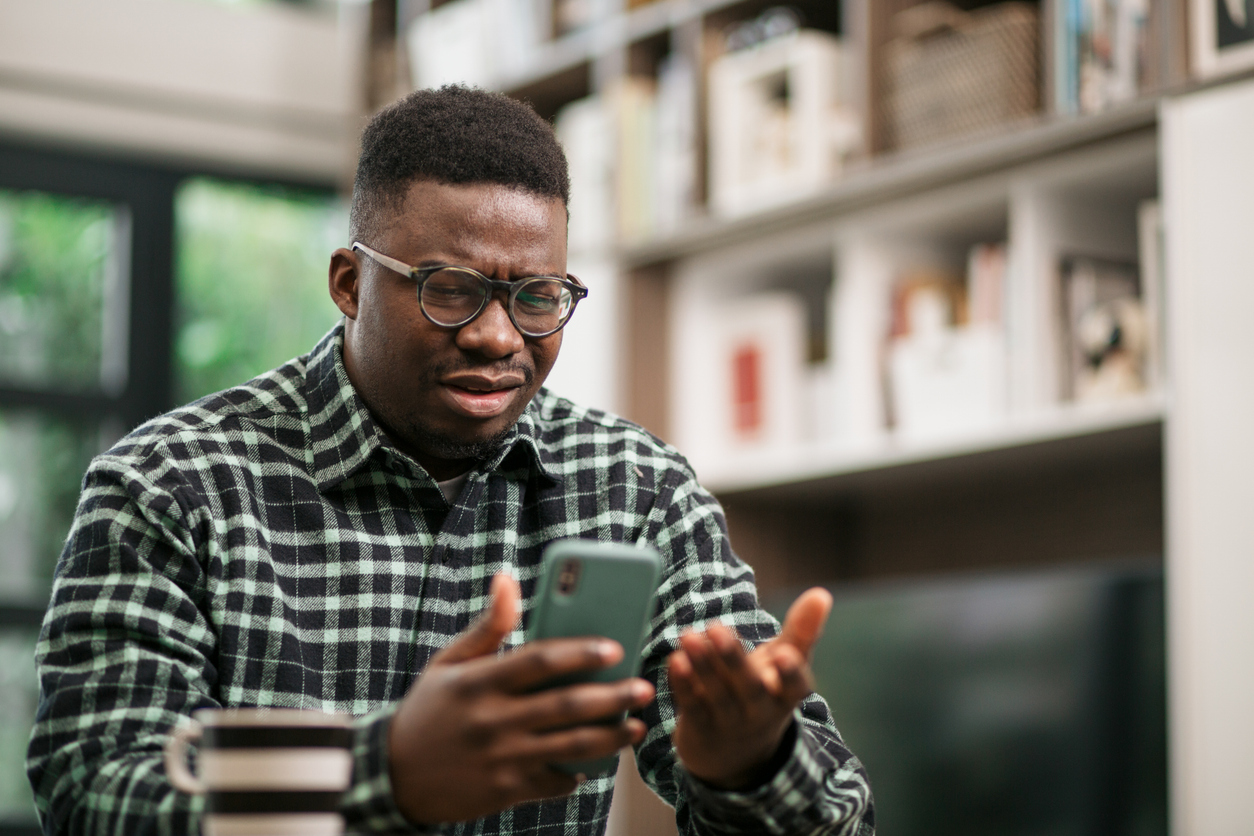
Social media platforms may send notifications when someone logs in from a new device, browser or location. If you receive a login alert that does not match your own activity, it could indicate an attempted or successful unauthorised login.
However, location alerts are not always exact. Mobile networks, VPNs and other technical factors can affect the location shown, so one unfamiliar location does not automatically prove that your account has been hacked.
Check the platform’s security settings for recent login sessions and devices. If you see a session you do not recognise, sign it out and secure your account.
3. Your password suddenly stops working
If you can no longer log in using your usual password, someone may have changed it without your permission.
In some cases, attackers change the password to lock the original owner out, then change other account details to make recovery more difficult.
If this happens, use the platform’s official account recovery process. Avoid clicking recovery links sent by strangers or responding to people who claim they can restore your account in exchange for payment.
4. Your email address or phone number has changed
Another warning sign is discovering that the email address or phone number linked to your account has been changed without your knowledge.
These details are often used to verify your identity and reset passwords. If an attacker replaces them with their own contact information, recovering your account may become more difficult.
Check your account settings and security notifications for changes you did not authorise. If your contact details have been altered, use the platform’s official hacked-account recovery page as soon as possible.
Also see: Zola7 creates new social media accounts after imposter’s invasion
5. Your account follows unfamiliar people or likes strange posts
Have you noticed new accounts in your following list, likes on posts you never viewed, or comments you do not remember making?
These changes may indicate that someone else has access to your profile. Attackers sometimes use compromised accounts to follow suspicious pages, interact with promotional content or make the account appear more active.
Review your recent activity, following list and connected apps. Remove anything you do not recognise and revoke access for unfamiliar third-party services.
What to do if you suspect your account has been hacked
If you notice one or more of these warning signs, taking action quickly can help limit the damage.
According to the FTC’s guidance on hacked email and social media accounts, users should take the following steps to secure their profiles:
- Change your password: Choose a strong, unique password that you do not use for other accounts.
- Sign out of unfamiliar devices: Use your account’s security settings to review login sessions and sign out of all devices if the platform allows it.
- Enable two-factor authentication: This adds another verification step beyond your password. Where possible, use an authenticator app or security key.
- Check your recovery details: Make sure your email address and phone number have not been changed.
- Secure your email account: If someone has access to the email linked to your social media profile, they may be able to reset your password or interfere with account recovery.
- Use the official recovery process: If you have been locked out, visit the platform’s official help centre and follow its hacked-account recovery instructions.
- Warn your contacts: Let friends and followers know if suspicious messages or posts were sent from your profile.
The Cybersecurity and Infrastructure Security Agency also recommends using multifactor authentication to add another layer of protection to online accounts.
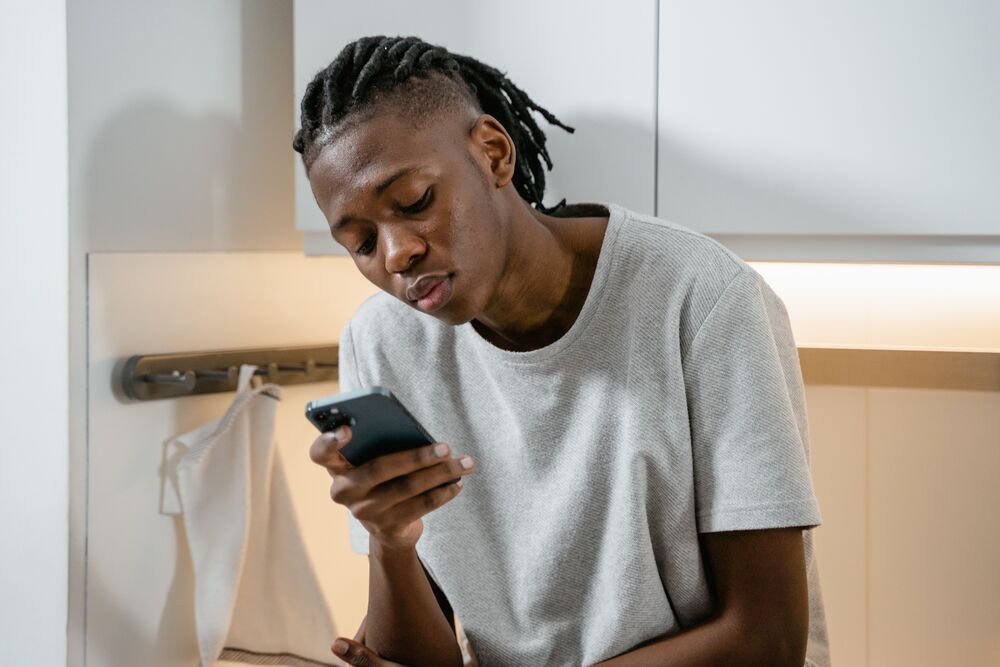
Featured image: Pexels/Ketut Subiyanto
Also see: Influencer Dominic Zaca details why top influencers avoid speaking on social issues
Be the first to know – Join our WhatsApp channel for content worth tapping into. Click here to join!